WakeelsApp is free to start. You need a Pakistani mobile number and about three minutes.
1. Download the app
Get it from Google Play on Android. On iPhone, use the App Store link. You can also use it on a computer at app.wakeels.app.
2. Choose "I'm a lawyer or munshi"
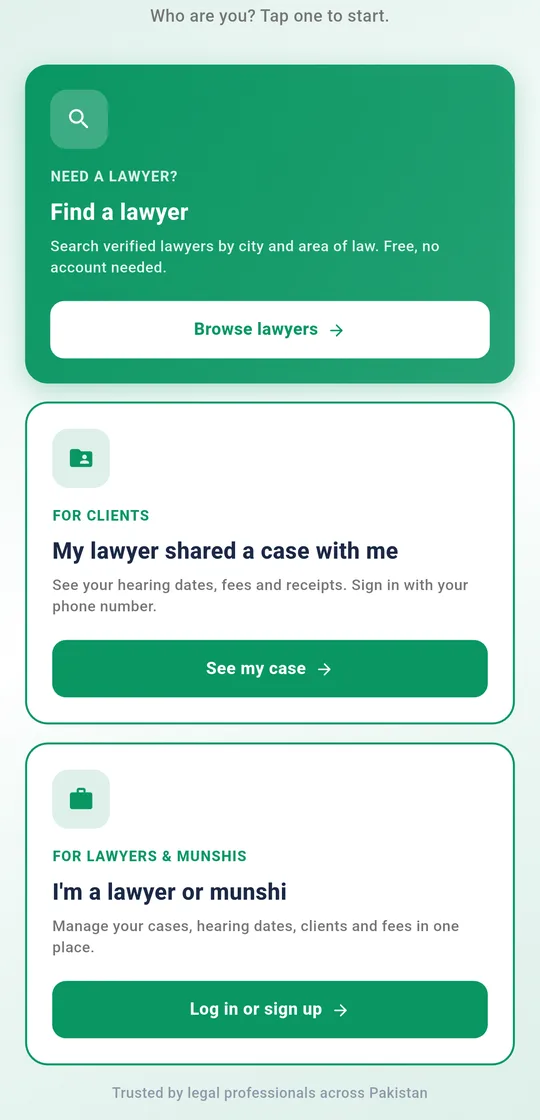
The welcome screen asks who you are. Prefer Urdu? Tap اردو at the top first. Then, under I'm a lawyer or munshi, tap Log in or sign up, and on the next screen tap Create account.
3. Fill in the three steps
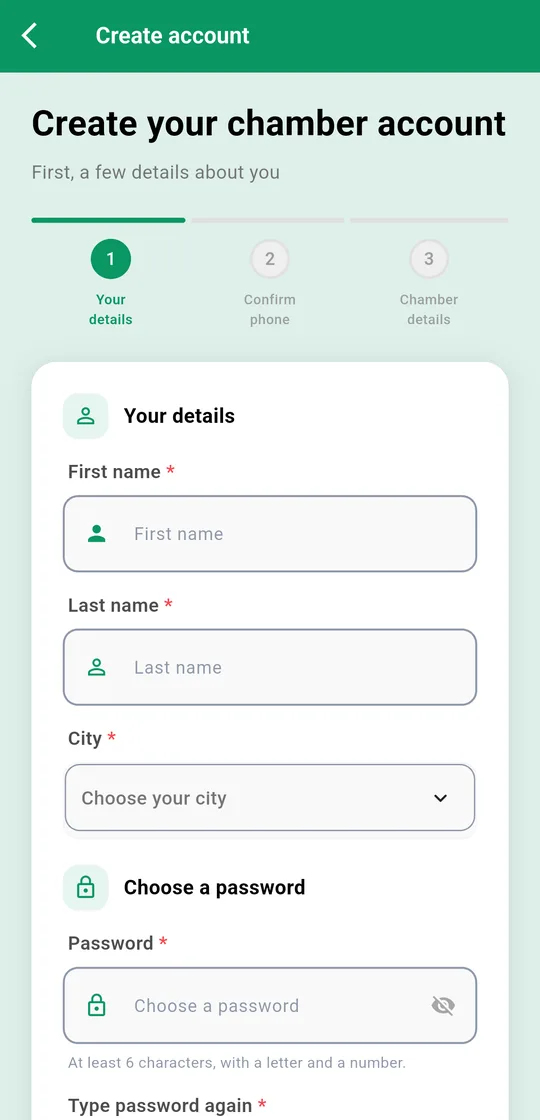
- Your details: your first and last name, your city, and a password with at least 6 characters, including a letter and a number. If another chamber invited you, enter their referral code. You can skip it.
- Confirm phone: enter your mobile number (like 03001234567) and tap Send code. Type the 6-digit code from the SMS. You will log in with this number later.
- Chamber details: your chamber's name (for example, Khan & Associates) and its full address.
Tap Create account. Your chamber is ready, and you are its admin.
4. Upload your bar council license
Go to Manage (bottom bar) → Profile, enter your licence number and upload a photo of your bar council license. We check it within 1–2 business days. Once you're verified, you get the green verified badge in Find a Lawyer.
Forgot your password? On the login screen, tap Forgot your password? and we'll send a code to your phone. You can also tap Log in with an SMS code instead and skip the password.