Ask a question
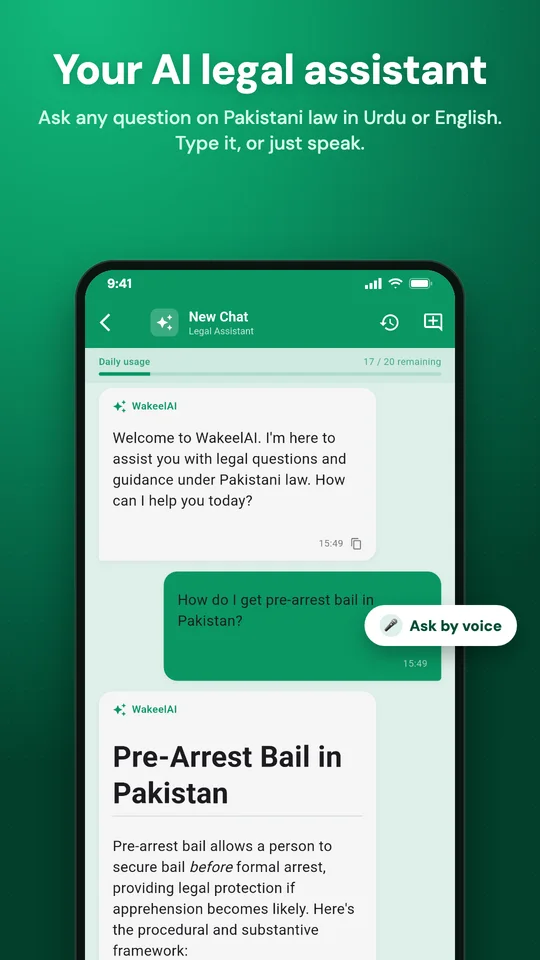
- On the home screen, tap the WakeelAI button at the top.
- Type your question, or tap the mic and speak it in Urdu or English.
- WakeelAI answers in the language you asked in.
Good questions to try:
- What is the procedure for pre-arrest bail in Pakistan?
- Draft a short application for adjournment.
- خلع کا طریقہ کار کیا ہے؟
Your past chats are saved. Tap the history icon to go back to one. The bar at the top shows how many questions you have left today.
AI case insights
Open any case and look under Basic Details. The AI Insights card gives a short summary of where the case stands, the law that applies, and the key risks and deadlines. The app makes it for you automatically.
Don't want it? Turn it off under Manage → Settings → AI Insights.
WakeelAI is a research helper, not a replacement for your own judgement. Always check the sections and case law before relying on them in court.